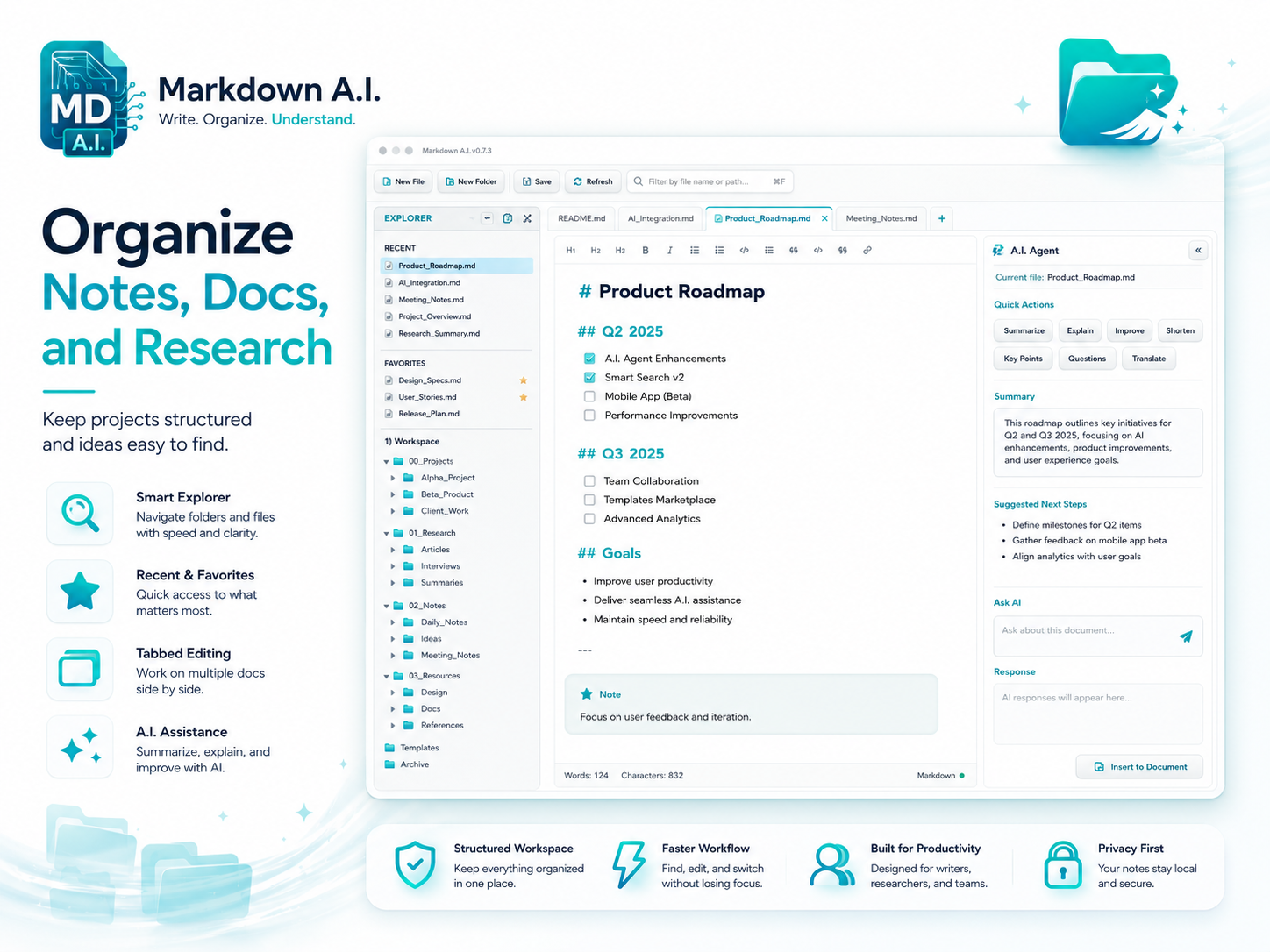
Organize Local Notes & Folders
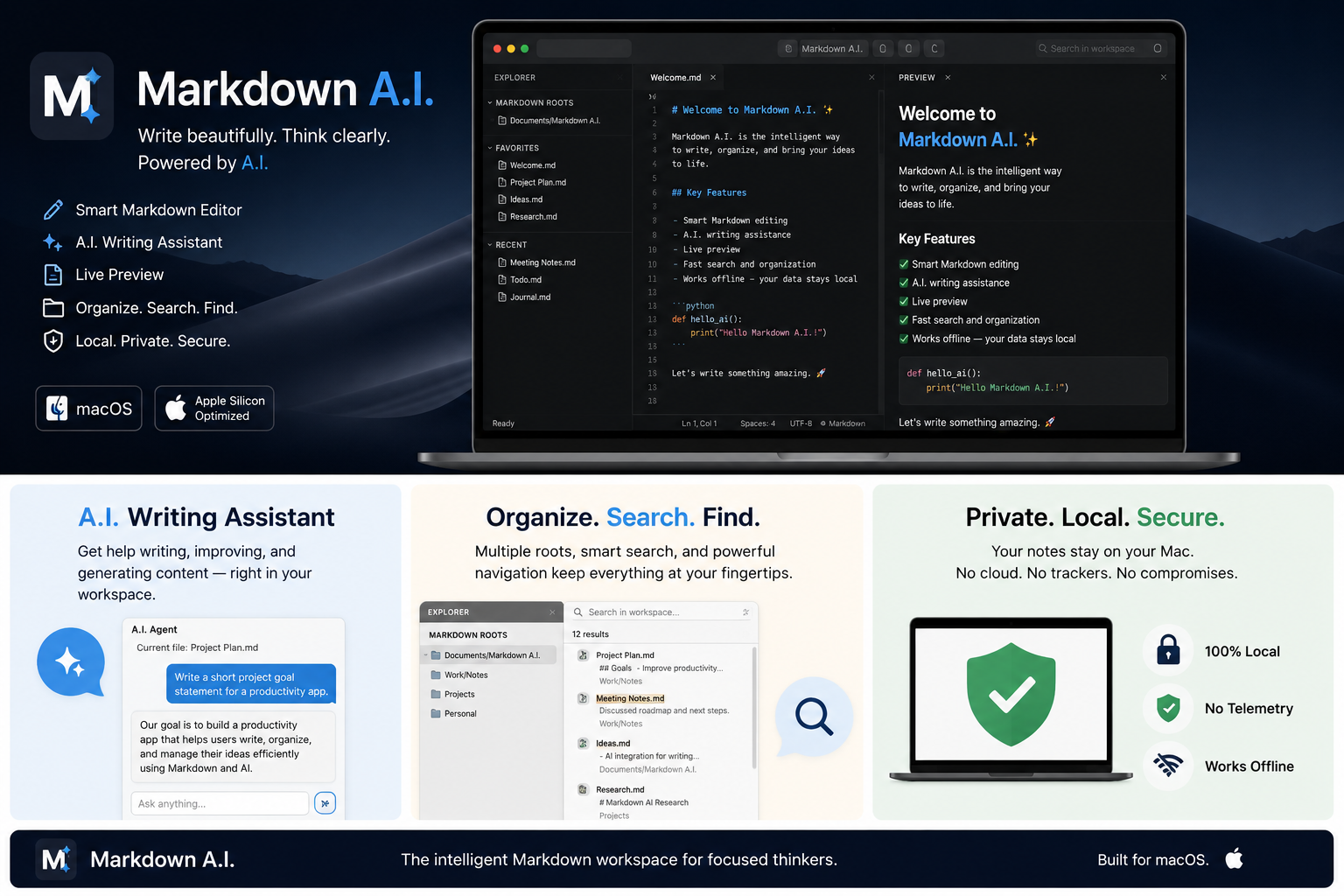
Navigate folders you open or add as markdown roots, star favorites, reopen recent files, and work in tabbed sessions — documents stay on your Mac and the app only reads and writes where you point it.
A focused macOS editor with side-by-side live preview, Mermaid diagrams, Quick Open, and an optional local AI agent — all without sending your files to the cloud.
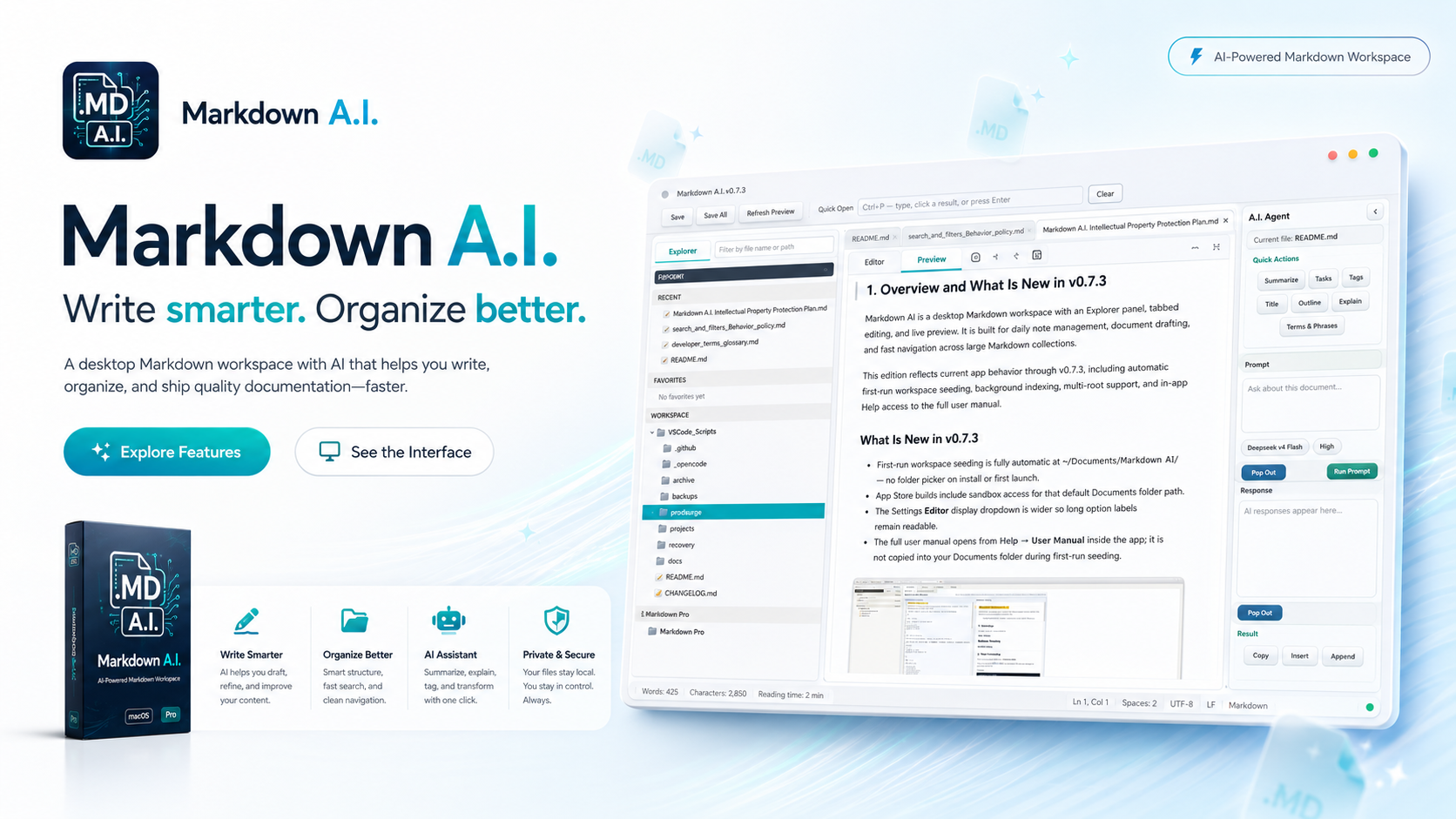
Markdown A.I. keeps editing, preview, and file navigation in one calm workspace designed for real folders and long writing sessions.
Navigate folders you open or add as markdown roots, star favorites, reopen recent files, and work in tabbed sessions — documents stay on your Mac and the app only reads and writes where you point it.
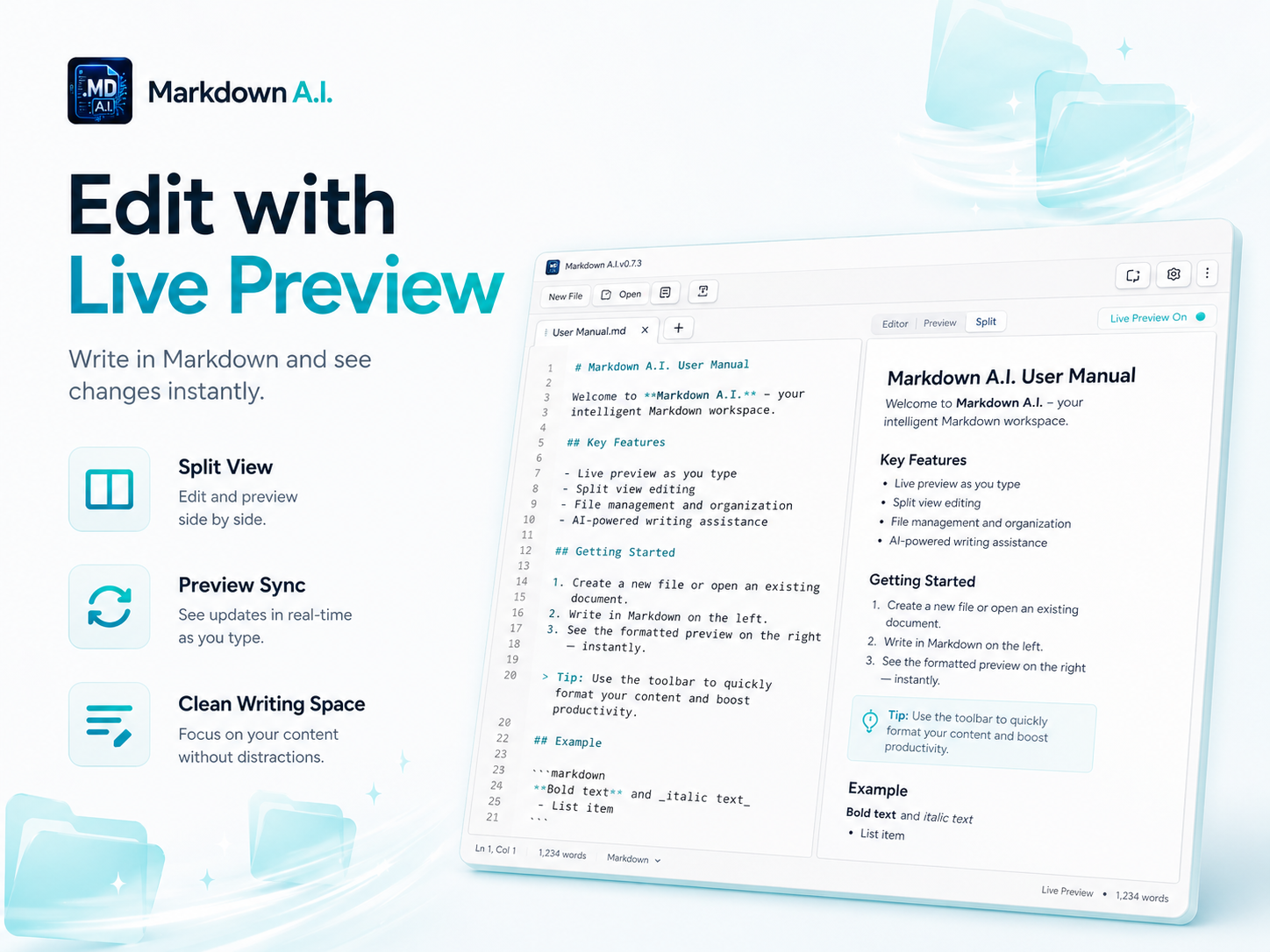
Edit markdown on the left and see rendered output on the right with WebKit-powered preview, syntax highlighting, and Mermaid diagram support.
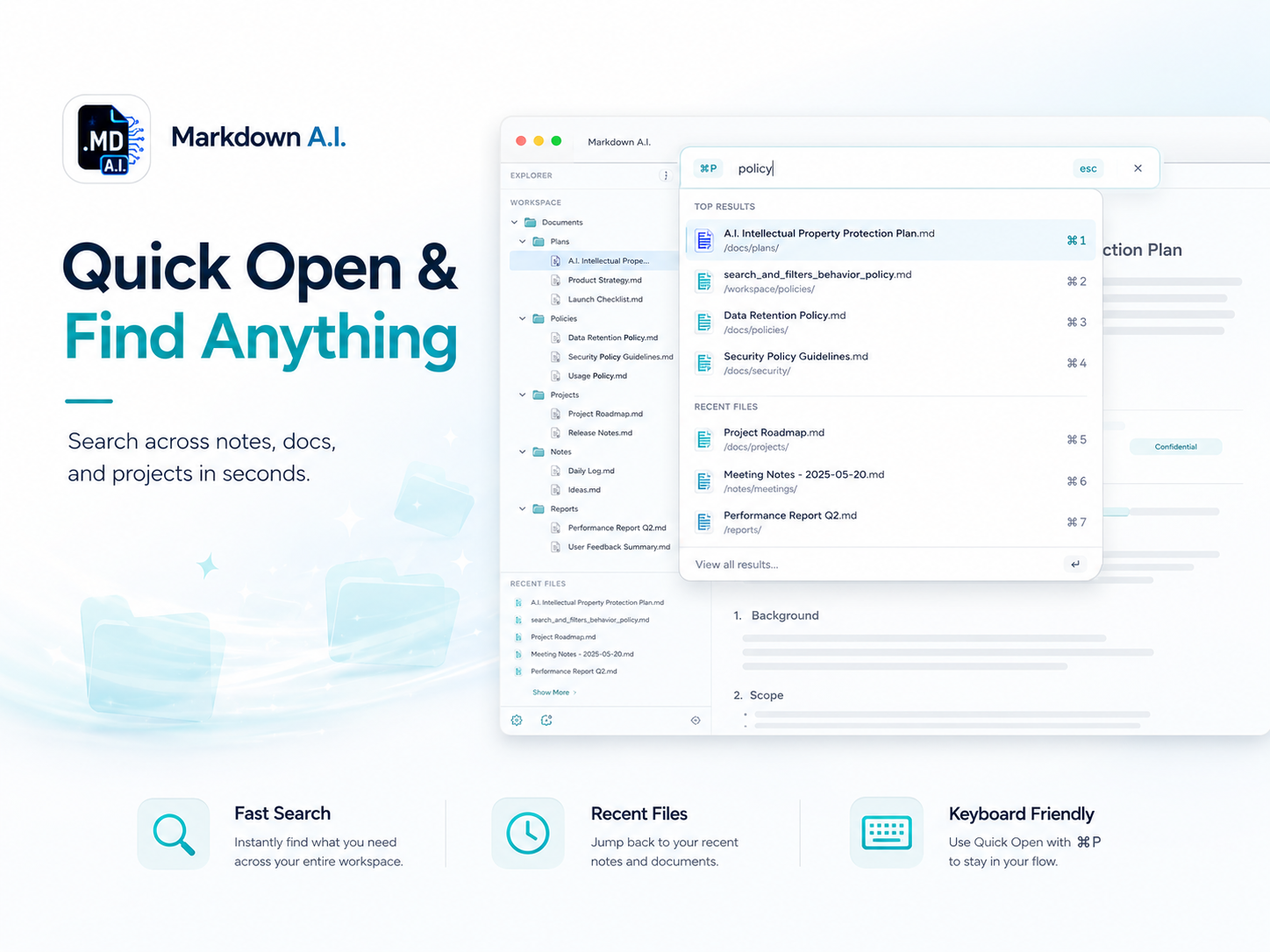
Jump to any file in seconds with fuzzy search, recent-file shortcuts, and keyboard-friendly navigation that keeps you in flow.
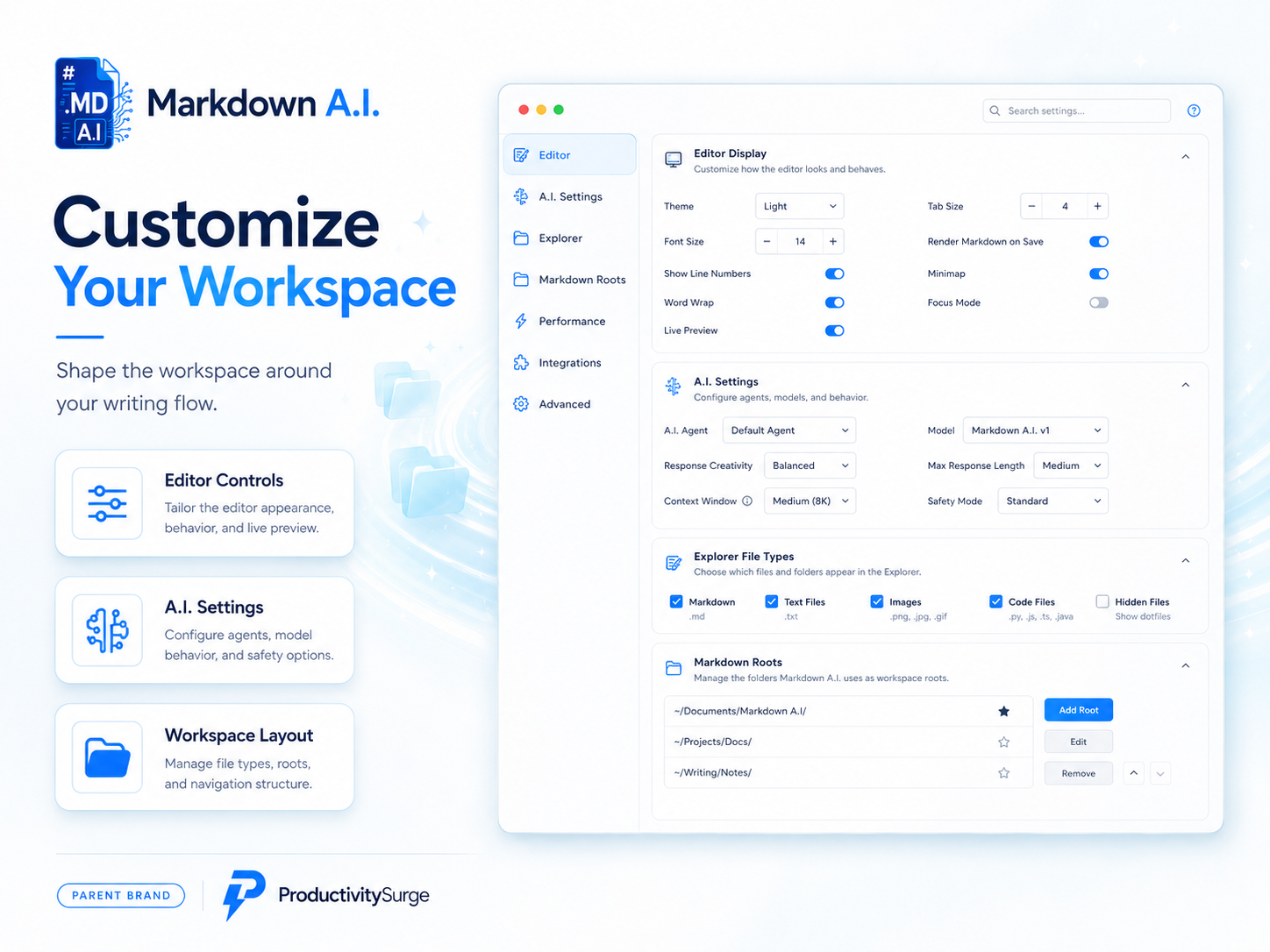
Tailor editor appearance, live preview behavior, AI settings, explorer file types, and markdown roots to match how you write.
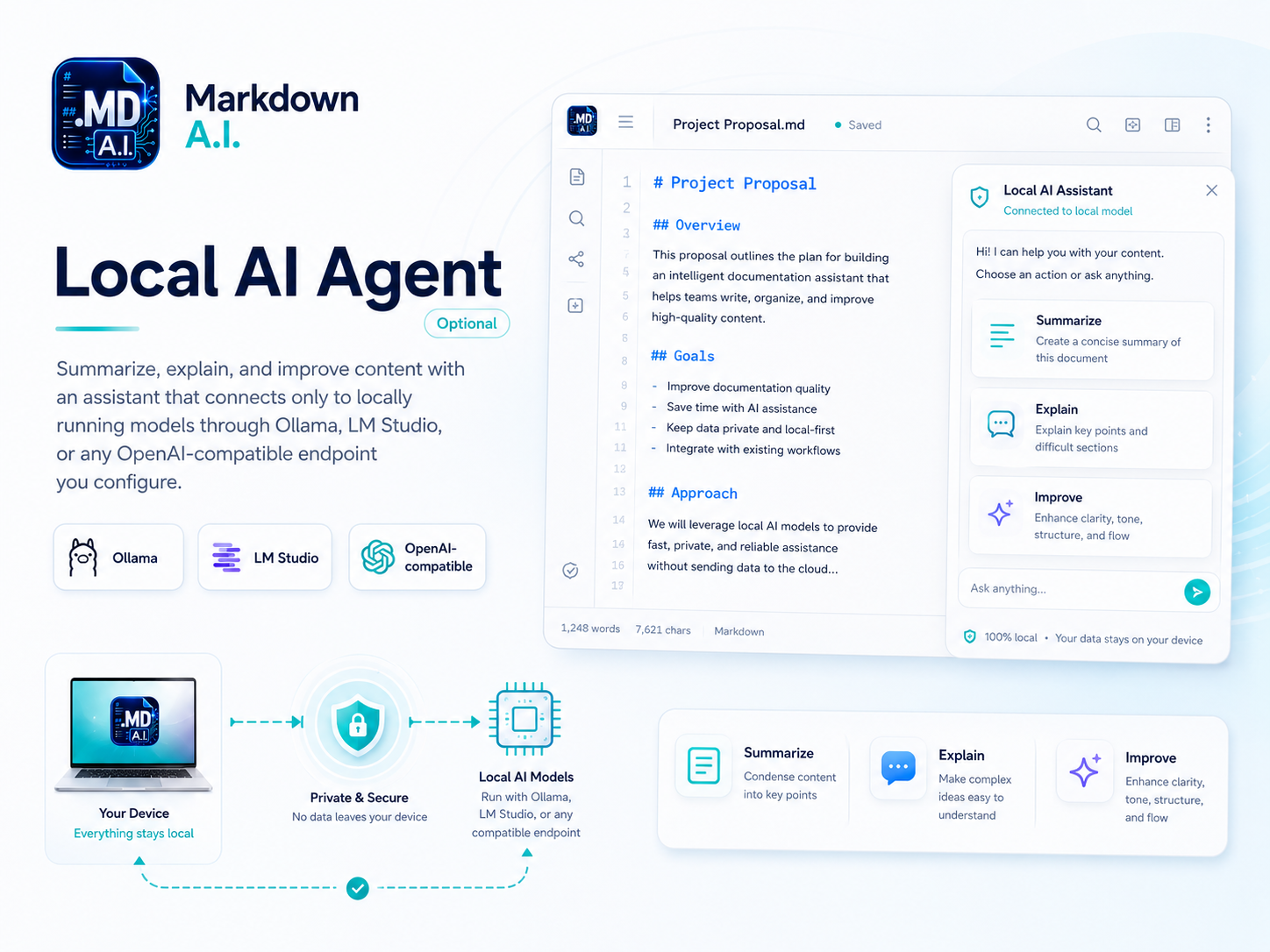
Summarize, explain, and improve content with an assistant that connects only to locally running models through Ollama, LM Studio, or a custom local A.I. server you configure.
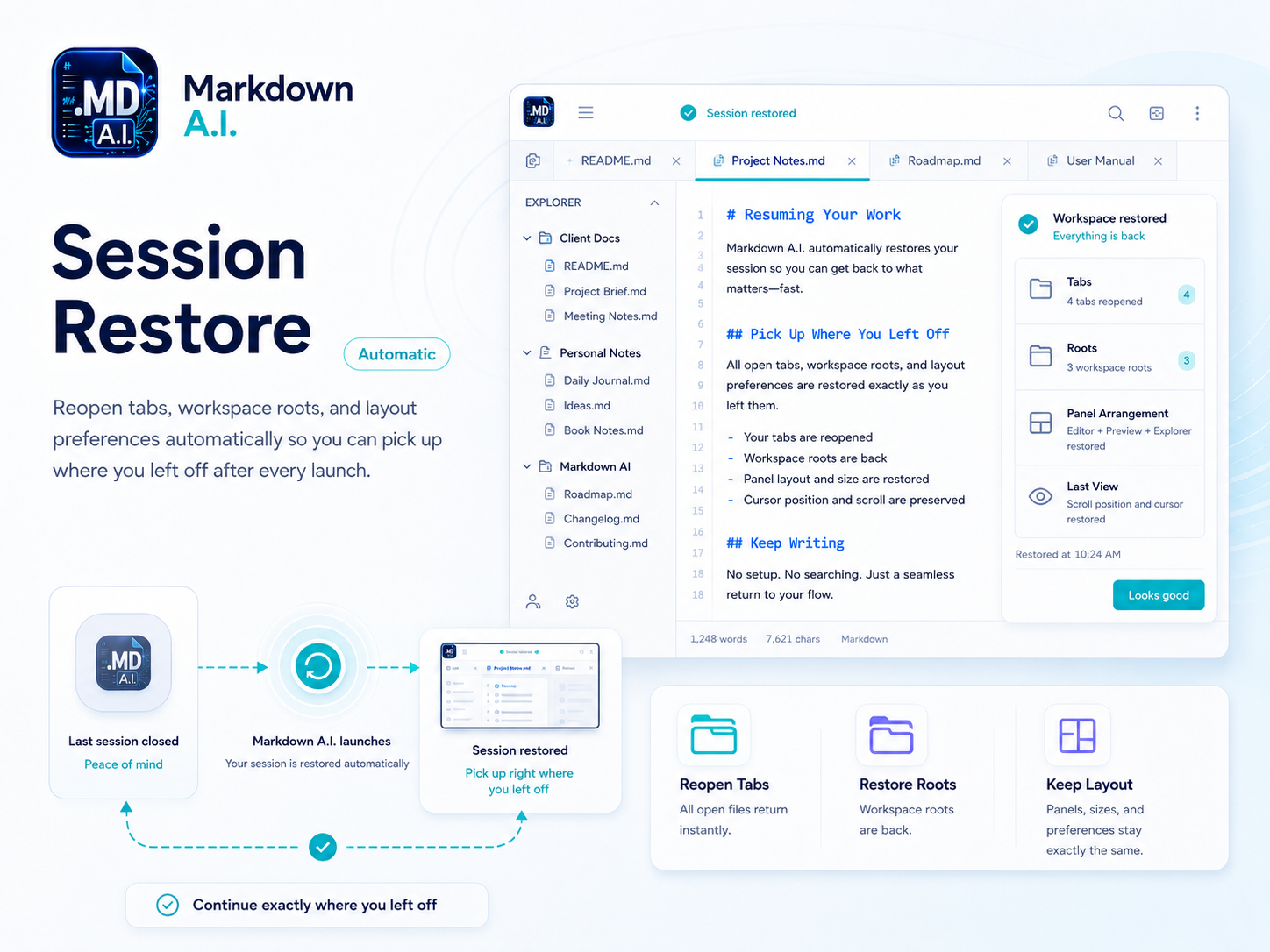
Reopen tabs, workspace roots, and layout preferences automatically so you can pick up where you left off after every launch.
Point Markdown A.I. at a project folder or your Documents/Markdown A.I. workspace.
Draft in the editor while preview updates beside you — headings, code blocks, and diagrams included.
Use Quick Open, favorites, and session restore to move fast without leaving the app.
Editing and preview rendering happen on your Mac. Markdown A.I. does not upload your documents to ProductivitySurge servers. Optional AI features connect only to endpoints you configure locally. See our privacy policy for details.
Write smarter, organize better, and ship quality documentation from a focused desktop app designed for real folders and long writing sessions.
Get Markdown A.I.