ProductivitySurge ships focused, local-first Mac tools. Testers help prove sandboxed folder access, first-run flows, and day-to-day reliability before general release.
How to join
- Install the TestFlight app from the Mac App Store if you do not already have it.
- Open the invite link for the app section below (or email support if the beta is full).
- Accept the invite, install the listed build, and work through the test focus items.
- Send feedback to support@productivitysurge.com with macOS version, steps, and screenshots.
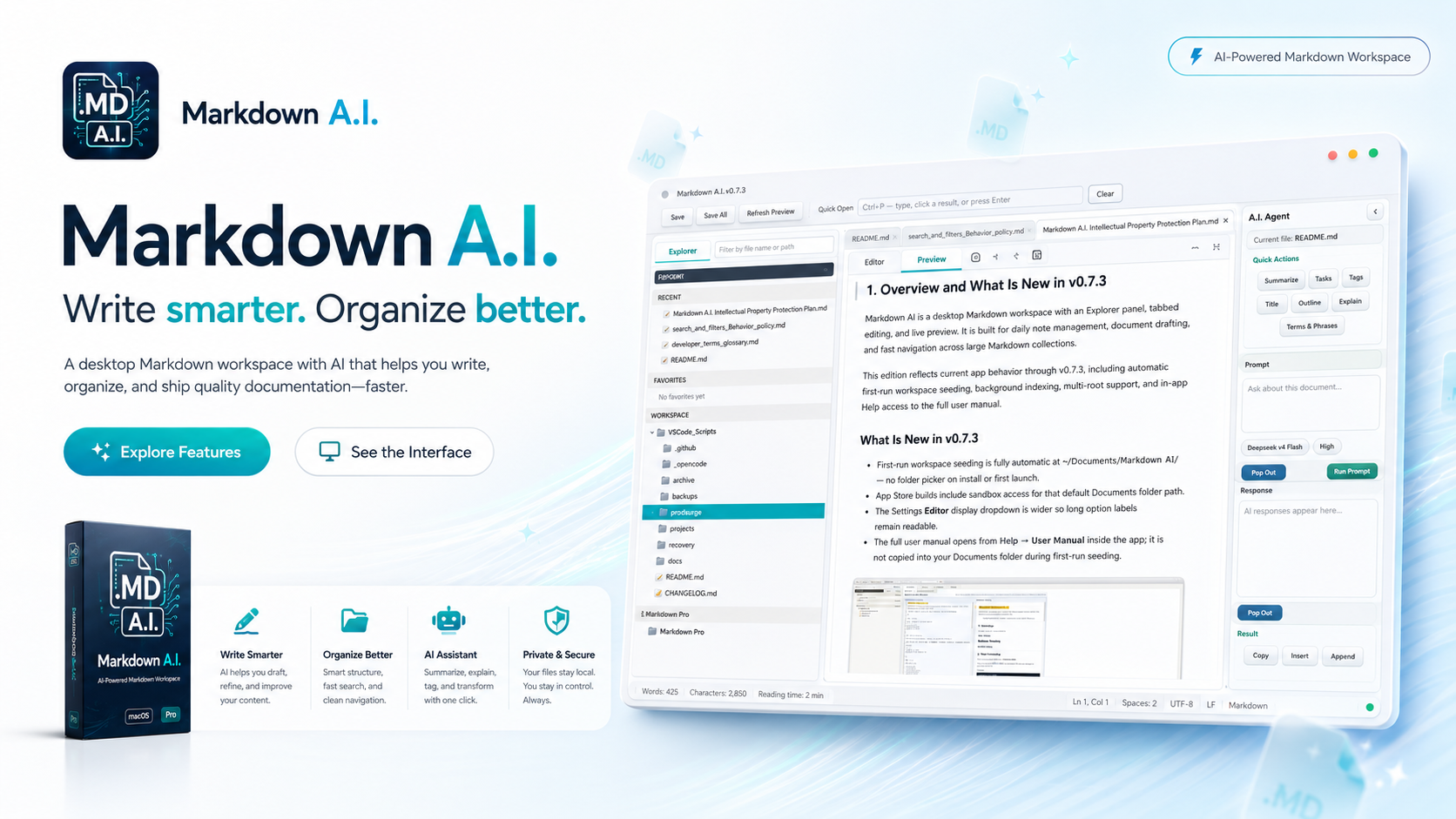
1. Markdown A.I.
Open TestFlight · 0.7.4 (2)Focused macOS editor with live preview, Mermaid diagrams, Quick Open, and an optional local AI agent. Documents stay on your Mac.
| Field | Value |
|---|---|
| Version | 0.7.4 |
| Build | 2 |
| Platform | macOS (Apple Silicon / arm64) |
| Join link | testflight.apple.com/join/Qsp71Ecv |
What to test
Clean launch
Confirm the app does not silently open or access ~/Documents/Markdown A.I. on first launch.
Choose Folder
Authorize a folder with the system picker, then create, edit, and save a Markdown file there.
Quit & relaunch
Quit completely, relaunch, and confirm access to the authorized folder returns without choosing again.
- Optionally try Add Root, Remove Root, and Reauthorize Root.
- Confirm File → Open works for a separately selected file.
- Check Help links for Website and Support if present in your build.

2. DocReclaimer
TestFlight invite pendingOCR-enabled document rename automation for macOS. Scan folders, preview renames, and standardize naming with free and Pro tiers.
What to test (when invite opens)
- First-run permissions and folder selection
- Scan → rename preview → apply on a small sample set
- Template library basics and confidence / review flow
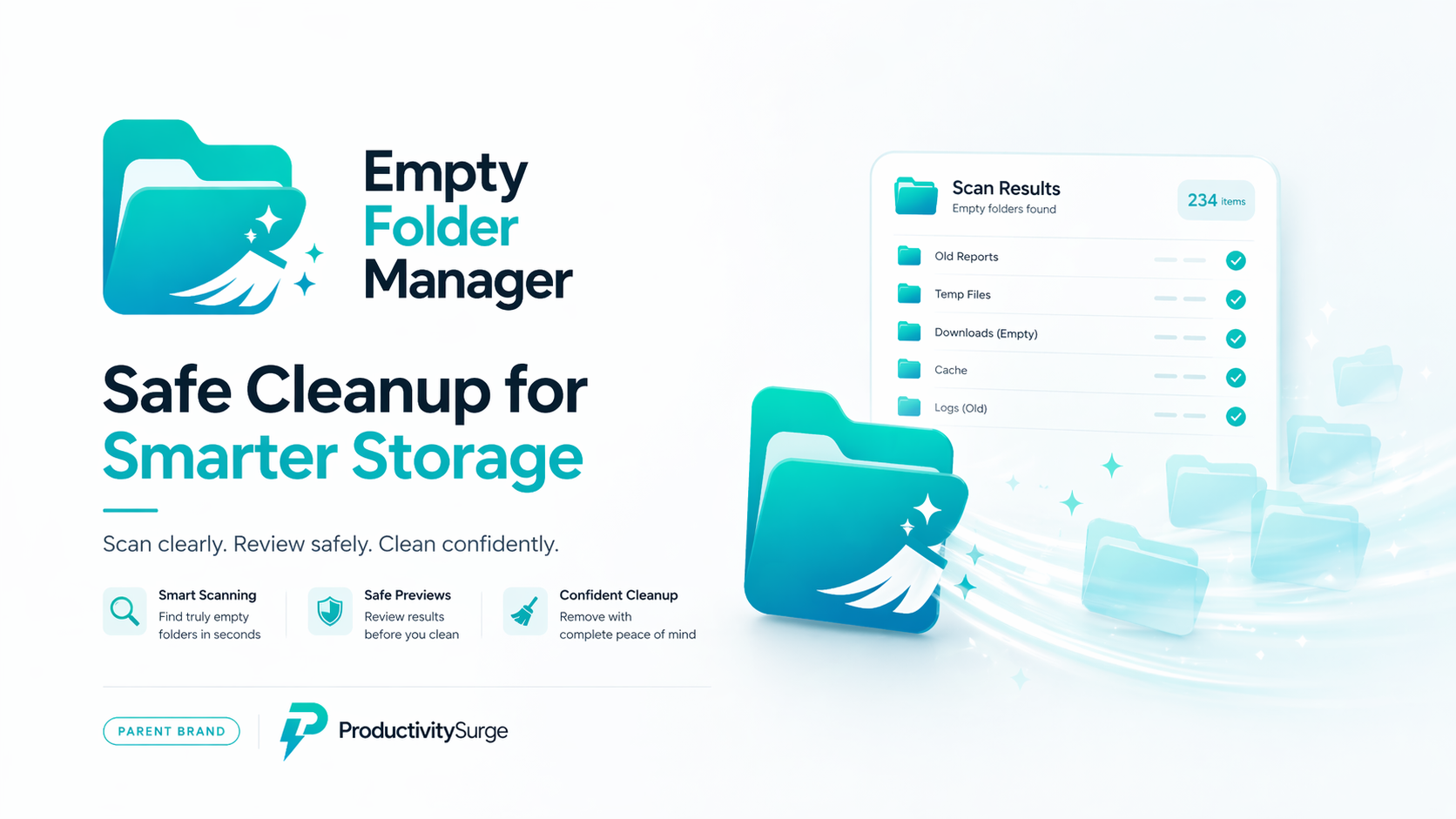
3. Empty Folder Manager
TestFlight invite pendingFind and clean empty folders on macOS with a clear review step before anything is removed.
What to test (when invite opens)
- Choose a safe sample tree (never start on a critical system path)
- Scan results accuracy and exclusion / review UI
- Delete / keep workflow and undo / safety messaging

DL Viewer
4. DL Viewer
TestFlight invite pendingLocal desktop video player for folders and playlists — fast navigation, triage, dual view, and configurable controls.
What to test (when invite opens)
- Open a local folder or playlist and play a short sample set
- Playlist remove / undo and dual-viewer drag-and-drop
- Seek, speed, and still-image / GIF handling
Requirements
- A Mac that meets each build’s architecture note (Markdown A.I. 0.7.4 (2) is Apple Silicon / arm64)
- macOS 13 or later (TestFlight requirement for macOS betas)
- An Apple ID signed into the Mac App Store / TestFlight
How to report issues
Email support@productivitysurge.com and include:
- App name and build
- macOS version and Mac model
- Expected vs actual behavior
- Steps to reproduce
- Screenshots or short screen recordings if useful
Privacy
ProductivitySurge products are designed for local-first workflows. See the Privacy Policy for details.